Bank Reconciliation Made Easy
What is Bank Reconciliation?
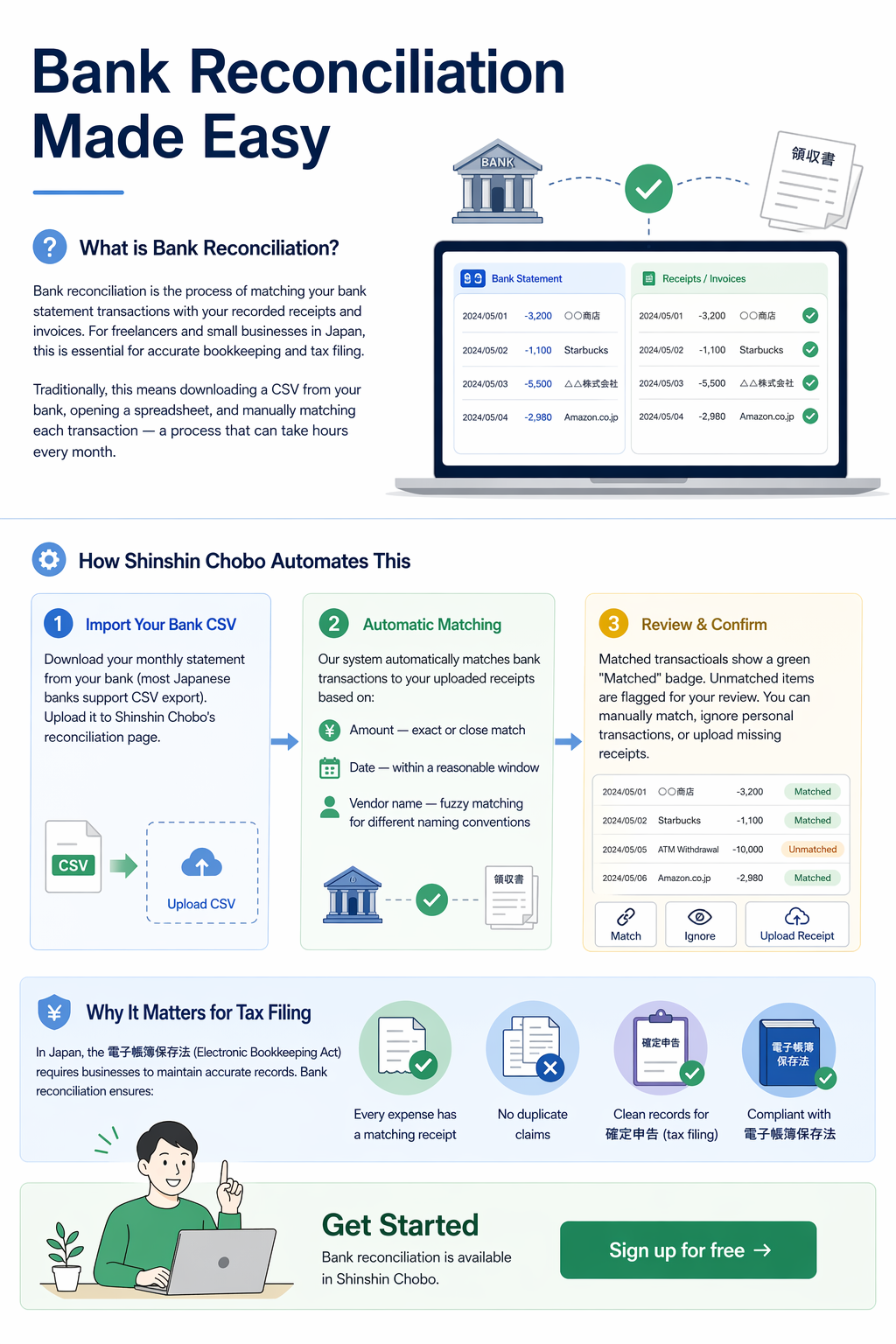
Bank reconciliation is the process of matching your bank statement transactions with your recorded receipts and invoices. For freelancers and small businesses in Japan, this is essential for accurate bookkeeping and tax filing.
Traditionally, this means downloading a CSV from your bank, opening a spreadsheet, and manually matching each transaction — a process that can take hours every month.
How Shinshin Chobo Automates This
Step 1: Import Your Bank CSV
Download your monthly statement from your bank (most Japanese banks support CSV export). Upload it to Shinshin Chobo's reconciliation page.
Step 2: Automatic Matching
Our system automatically matches bank transactions to your uploaded receipts based on:
- Amount — exact or close match
- Date — within a reasonable window
- Vendor name — fuzzy matching for different naming conventions
Step 3: Review & Confirm
Matched transactions show a green "Matched" badge. Unmatched items are flagged for your review. You can manually match, ignore personal transactions, or upload missing receipts.
Why It Matters for Tax Filing
In Japan, the 電子帳簿保存法 (Electronic Bookkeeping Act) requires businesses to maintain accurate records. Bank reconciliation ensures:
- Every expense has a matching receipt
- No duplicate claims
- Clean records for 確定申告 (tax filing)
Get Started
Bank reconciliation is available in Shinshin Chobo. Sign up for free →